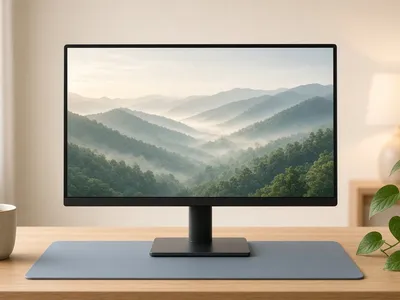
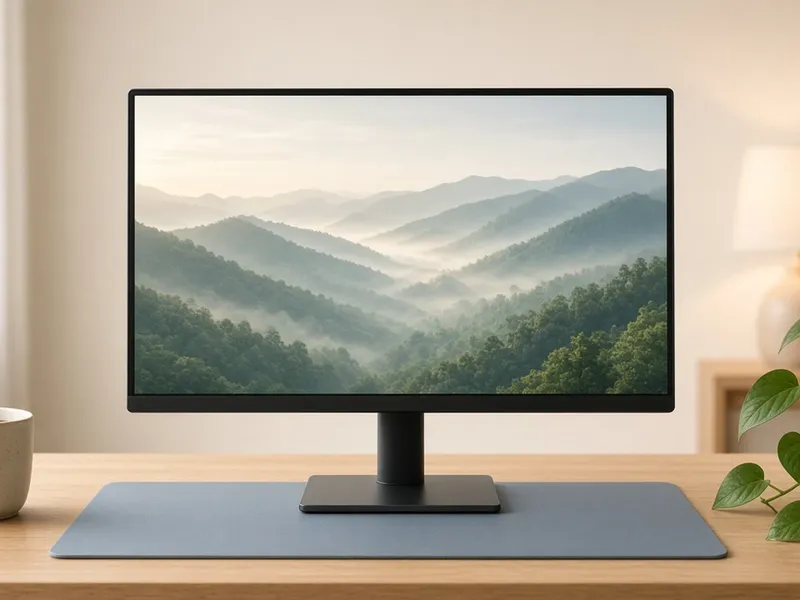
A 24-inch screen like the KOORUI Business Computer Monitor fits most desks, which is why it's our pick. Its listing shows 1920×1080 at 100Hz.
Is an ultrawide monitor worth it?
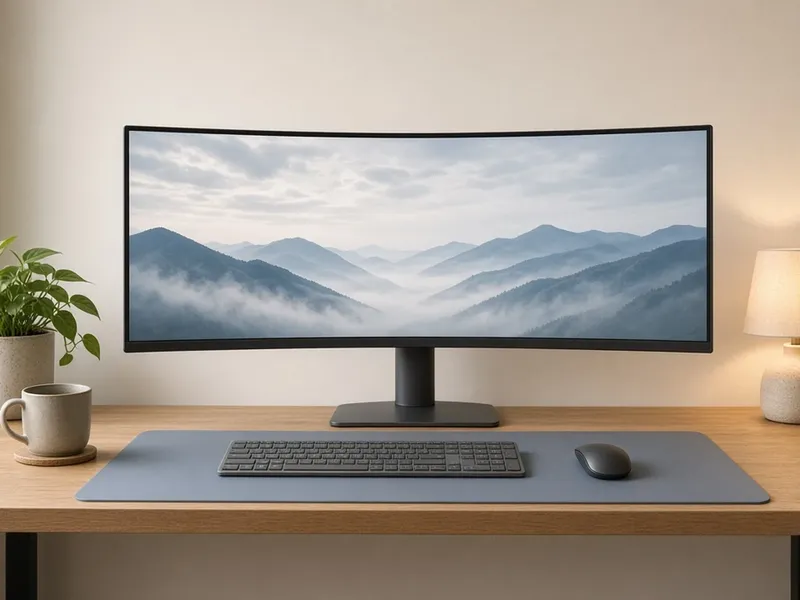
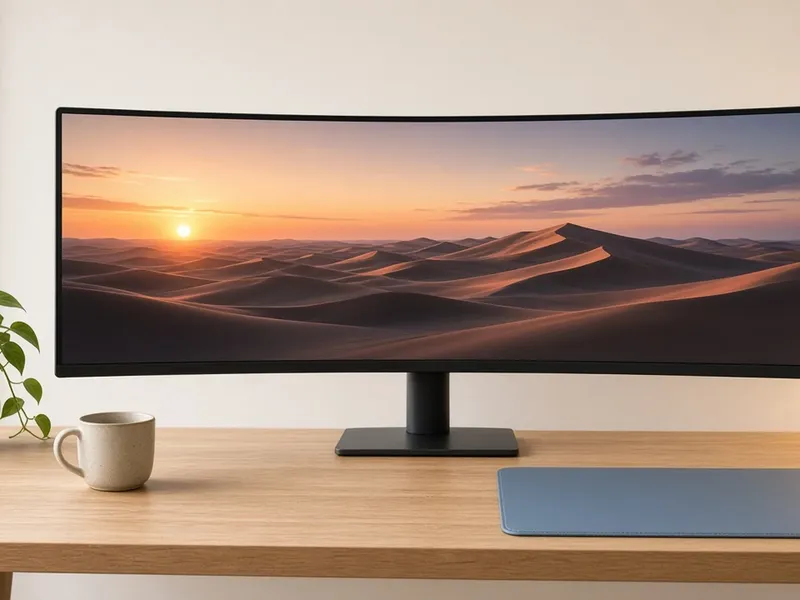
If you work with windows side by side, yes. The 34-inch ViewSonic VX3418C adds horizontal space, and the 49-inch INNOCN 49C1G can replace two monitors, but it needs a desk at least about 4 feet wide.
Will the monitor plug into my computer?
Check the inputs first. The KOORUI has HDMI and VGA, with no USB-C or DisplayPort. The INNOCN lists USB-C, HDMI and DisplayPort, and the KYY portable uses USB-C and mini-HDMI.
Can I use a monitor arm?
Look for VESA support on the listing. KOORUI says its monitor takes a 100×100 VESA mount.
What's a good second screen for a laptop?
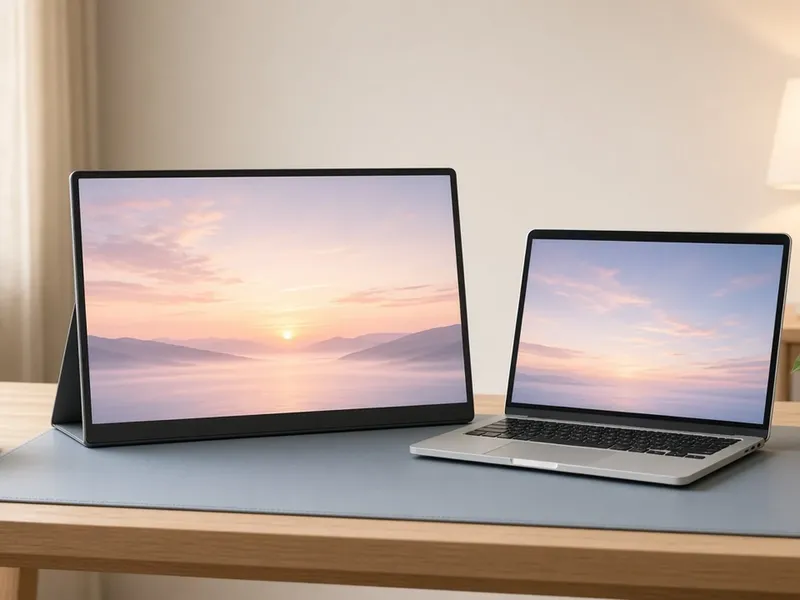
The KYY Portable Monitor: a 15.6-inch 1080p screen that travels with your laptop.
Our method
How we picked
For anyone setting up a home office, adding a second screen, or tired of juggling windows on a laptop. These picks are our team's curated selection, checked against listing details. We haven't tested them hands-on.
📐
Size & shape
Flat, curved, ultrawide or portable, matched to the work you do.
🖥️
Resolution
Listed resolution and refresh rate, taken from the listing title or the manufacturer.
🔌
Ports
Does it plug into your computer? We list the inputs where they're published.
🪑
Desk fit
Big ultrawides need a wide desk. We flag which ones.
✅ What we checked
Each product's Amazon listing: title, listed features, and dimensions or capacity where shown
Manufacturer pages and manuals for specs the listing leaves out