As an Amazon Associate I earn from qualifying purchases. Amazon links on this page are affiliate links. Learn more.
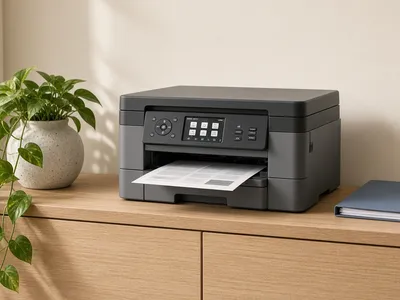
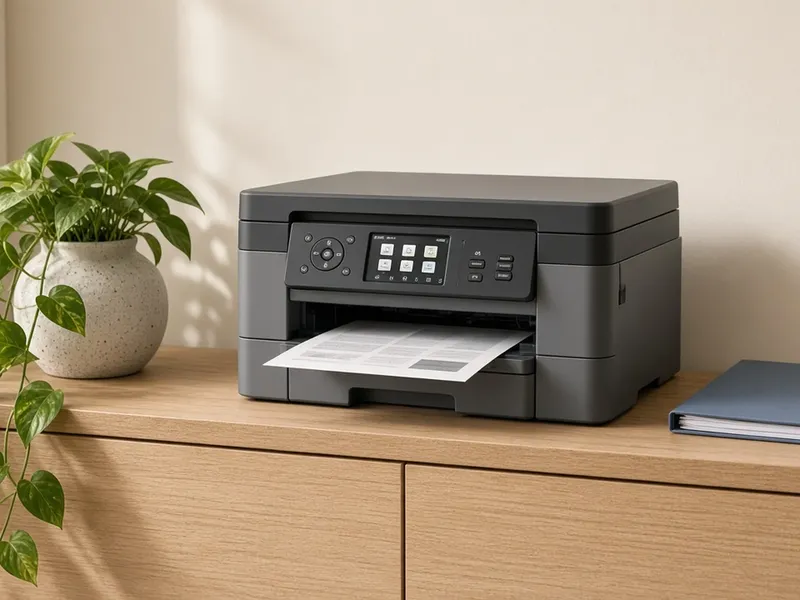
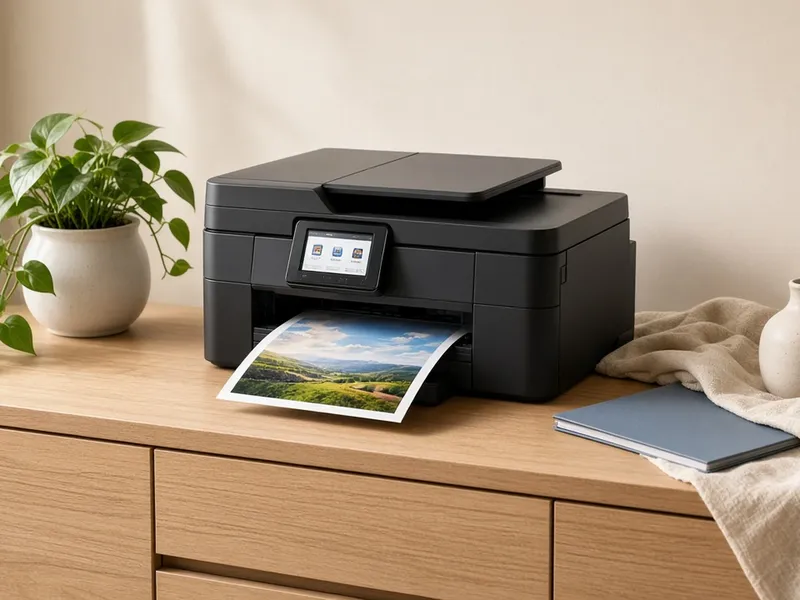
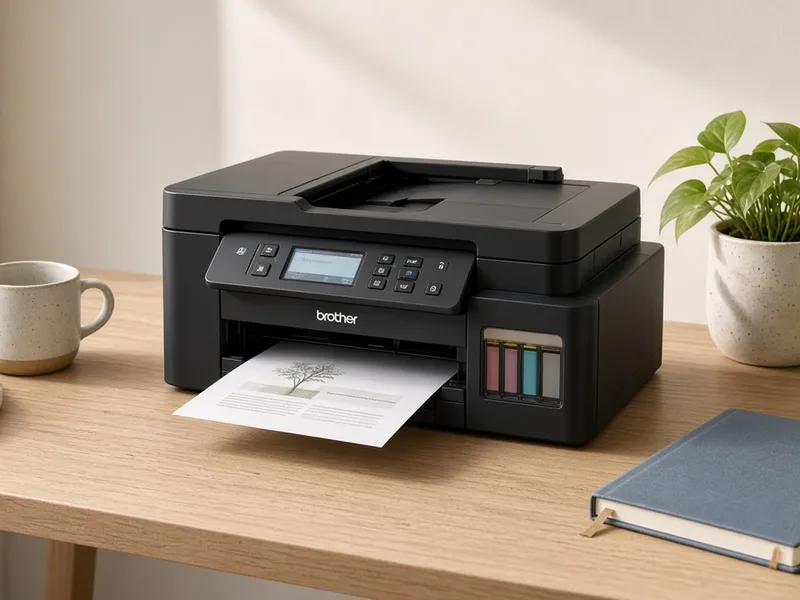
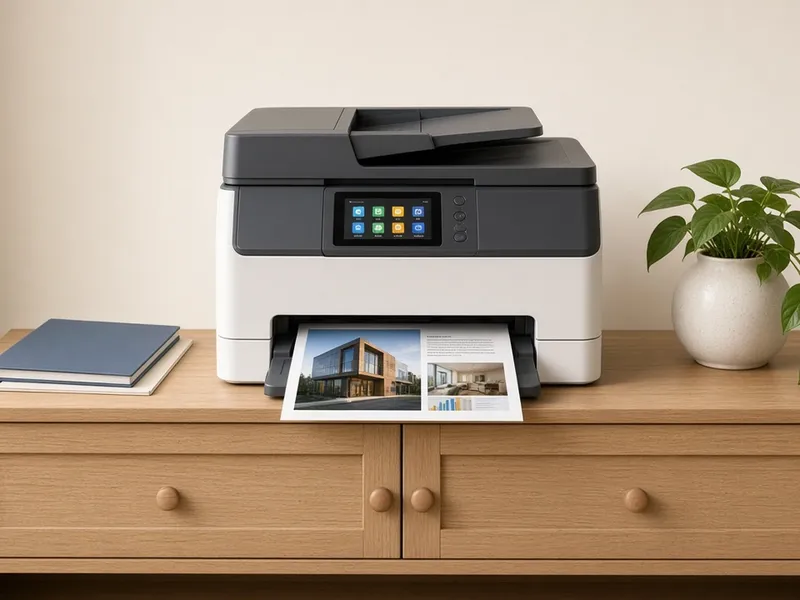
Product images on this page are illustrative scenes, not photos of the exact item. Check the Amazon listing for real product photos.
Quick verdict
Our pick: Brother DCP-L2640DW
Wirecutter names it the top pick for home printers. It's a mono laser all-in-one, so it prints, scans and copies, and it suits homes that mostly print text.
If ink costs are what you're trying to cut, look at an ink-tank printer. You refill it from bottles instead of buying cartridges.
Brother MFC-T780DW (ink tank): Brother says it comes with up to 3 years of ink in the box, and its BTD180 bottles are rated for about 7,500 black pages and 5,000 color pages. Tom's Guide worked that out to about 0.3¢ per black page and under 1¢ per color page. It costs more up front than a cartridge inkjet.
Brother MFC-J4355DW (cartridge inkjet): cheaper to buy, but it uses cartridges. It comes with starter cartridges (1,800 black pages and 750 pages per color, per Brother), and Brother sells super high-yield cartridges for refills.
Mostly black text? The mono laser Brother DCP-L2640DW, our top pick, skips color ink altogether.
Page yields are the manufacturer's ratings, so real costs depend on what you print.
If you mostly print text, a mono laser like the Brother DCP-L2640DW. For occasional color and photos, an inkjet like the Brother MFC-J4355DW.
What's an ink-tank printer?
A printer with refillable tanks, made for frequent color printing. The Brother MFC-T780DW is Wirecutter's ink-tank pick. Ink tanks usually cost more up front.
Can these printers scan and copy?
Yes. All four are all-in-ones, so they print, scan and copy.
Should I print shipping labels on a regular printer?
A thermal label printer is cheaper per label than printing on paper. See our label printer guide.
Why are all four Brother printers?
Each one is a pick from Wirecutter's home printer guide, and all four happen to be Brother models.
Which printer has the cheapest ink?
Of our picks, the Brother MFC-T780DW ink tank. Brother says it comes with up to 3 years of ink, and Tom's Guide worked out about 0.3¢ per black page.
Our method
How we picked
For home offices that print anything from the occasional boarding pass to weekly stacks of documents. These picks are our team's curated selection, checked against listing details. We haven't tested them hands-on.
🖨️
Printer type
Inkjet, ink tank or mono laser, matched to how much and what you print.
💧
Running cost
Ink tanks and lasers usually cost less per page. We point to reviews that discuss it.
📠
All-in-one
Do you need scanning and copying, or just printing?
📰
Expert consensus
These picks lean on the published reviews linked below.
✅ What we checked
Each product's Amazon listing: title, listed features, and dimensions or capacity where shown
Manufacturer pages and manuals for specs the listing leaves out