As an Amazon Associate I earn from qualifying purchases. Amazon links on this page are affiliate links. Learn more.
Best overall
Quntis ScreenLinear Pro Monitor Light Bar
Auto-dimming with an ambient light sensor, a 3000–6500K range and a weighted clip, per its listing. It's the closest match to the BenQ's features here. One honest caveat: reviews are mixed on how steady the clip is.
The BenQ ScreenBar made monitor light bars a thing. It’s still great, but you don’t have to pay BenQ prices to light your desk without glare on the screen.
We haven’t tested these hands-on. Specs come from each Amazon listing, checked Oct 18, 2026. Prices change, so check the listing.
BenQ ScreenBar alternatives compared
BenQ ScreenBar alternatives compared (details from listings)
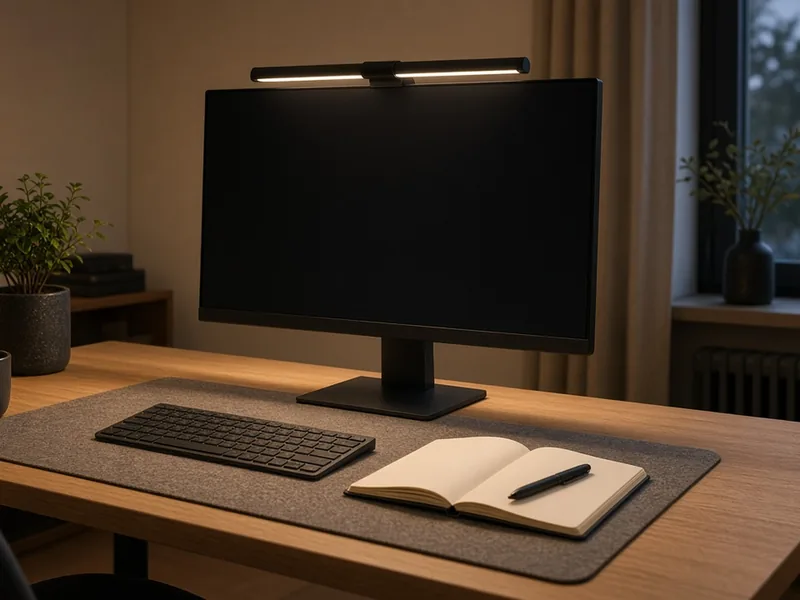
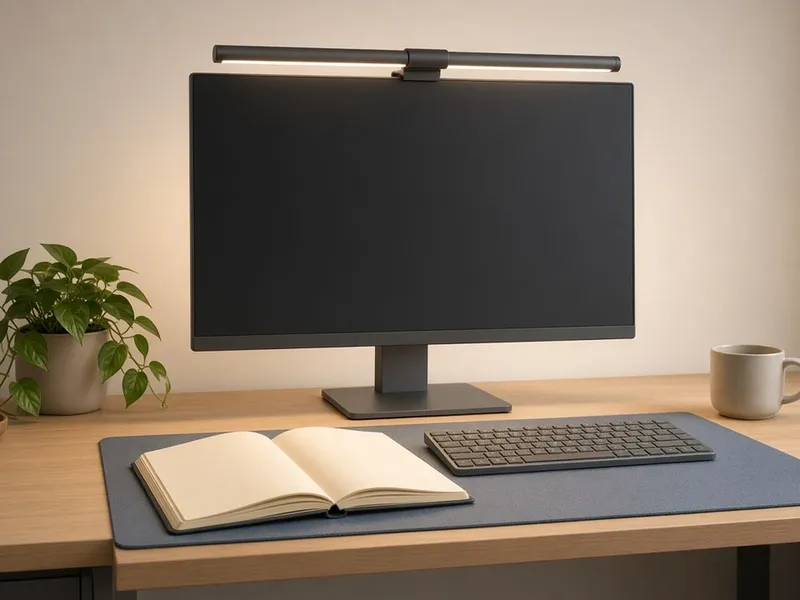
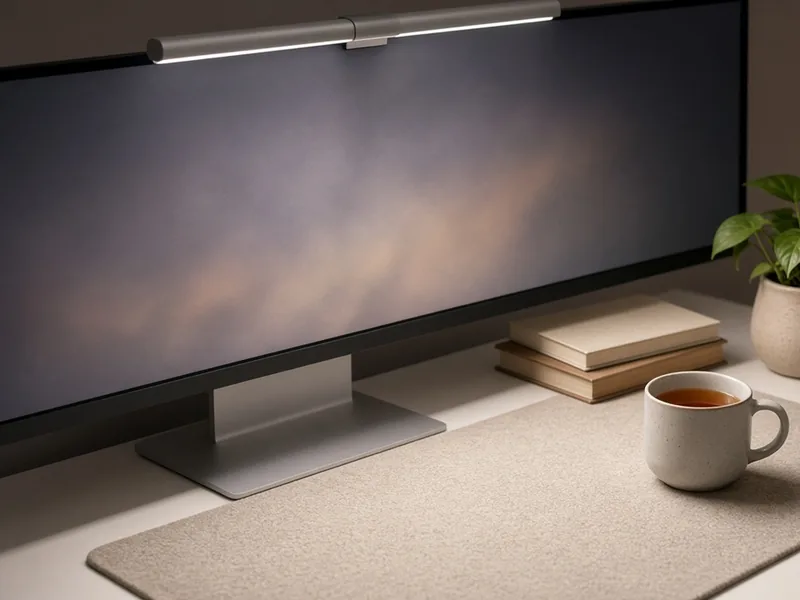
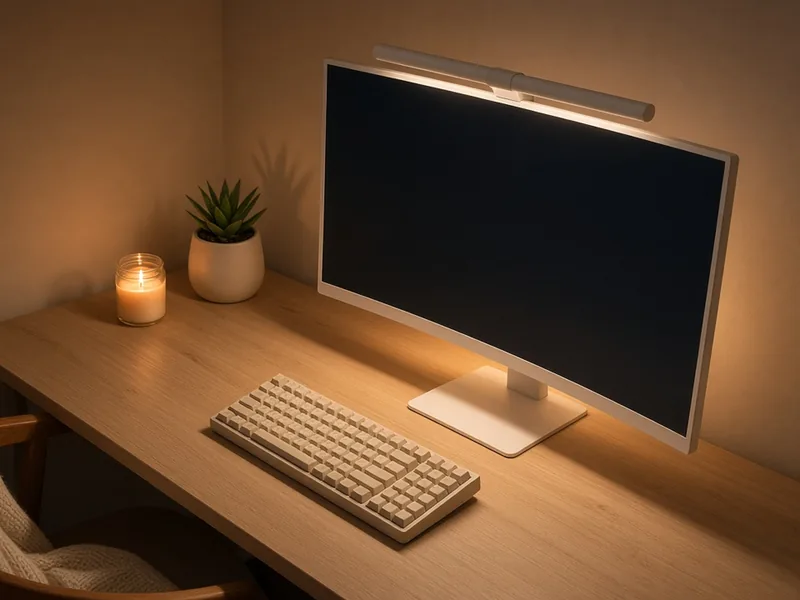
Product images on this page are illustrative scenes, not photos of the exact item. Check the Amazon listing for real product photos.
Monitor light bar vs desk lamp
A light bar sits on your monitor and lights the desk in front of you, so there’s no lamp base taking up space. A desk lamp gives broader, movable light. For screen work on a small desk, the bar usually wins; for paper-heavy work, keep a lamp.
The BenQ ScreenBar and its alternatives
Best overall
Quntis ScreenLinear Pro Monitor Light Bar
Best for: The closest feature match to the BenQ
Auto-dimming via an ambient light sensor, up to 900 lux (per listing)
3000–6500K, Ra98 (per listing)
Asymmetric optics and a weighted clip (per listing)
USB powered, 15.7 in bar (per listing)
Pros: Auto-dimming like the BenQ; High Ra98 color rendering; USB powered.
Cons: Mixed reviews on how steady the clip is; Shorter bar (15.7 in) than the BenQ.
Our best overall alternative is the Quntis ScreenLinear Pro. Like the BenQ, its listing shows auto-dimming with an ambient light sensor and a warm-to-cool range.
Monitor light bar vs desk lamp: which is better?
A light bar clips to your monitor, so it frees up desk space and is designed to light the desk without glare on the screen. A desk lamp lights a wider area and can move around, which helps if you also read paper or work away from the screen.
Will a monitor light bar fit my curved monitor?
Check the listing. The BenQ lists 1500R and up, the Quntis Focus lists up to 1000R, and the YEELIGHT lists flat and curved monitors 0.3–1.1 in thick.
Do monitor light bars need a power adapter?
These picks run on USB power from your computer or a USB charger. The BenQ lists a 5V/1A USB port.
Is auto-dimming worth it?
It's handy if your room light changes through the day, because the bar adjusts itself. If your lighting stays steady, a remote or dial is just as easy.