
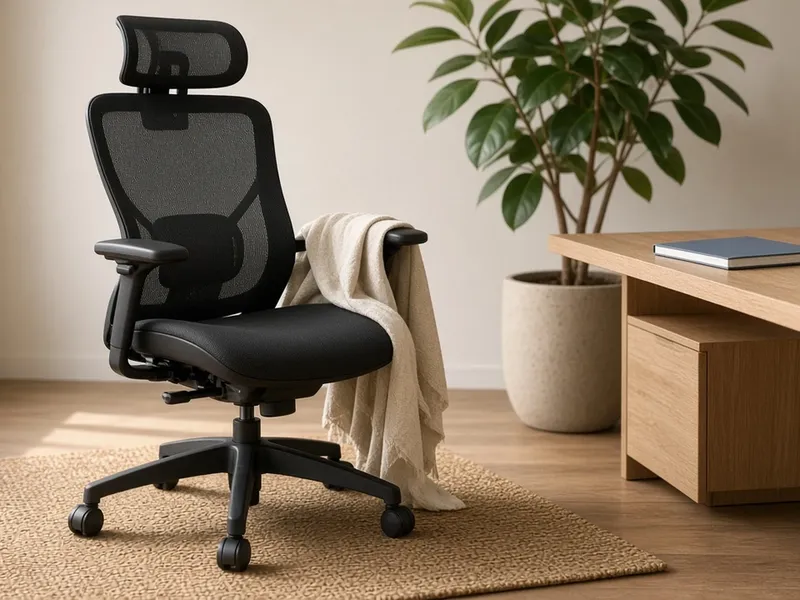
TRALT Ergonomic Office Chair
Best for: All-day desk work
From our Office Chairs guide.
View on AmazonAs an Amazon Associate I earn from qualifying purchases. Amazon links on this page are affiliate links. Learn more.
Start with the screen. A 24-inch flat 1920×1080 monitor fits most desks and everyday work, and its 100×100 VESA mount means you can add the Ergotron arm from this setup later. Need USB-C or DisplayPort? Check the listing first, because it has HDMI and VGA.
View on AmazonA calmer desk comes down to a few things: a chair that adjusts, a screen at the right height, light that doesn't take up space, and fewer loose cables. This setup takes one product from each of our guides for each of those jobs.
Swap any piece for an alternative from its guide. On a Windows PC, for example, use the Contour Touch instead of the Apple trackpad.
Best for: All-day desk work
From our Office Chairs guide.
View on Amazon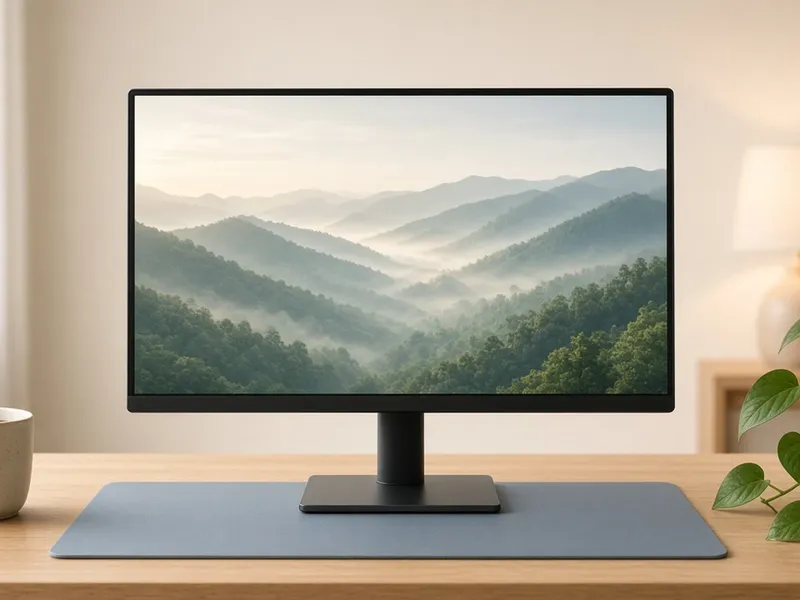
Best for: Everyday work on a standard desk
From our Monitors guide.
View on Amazon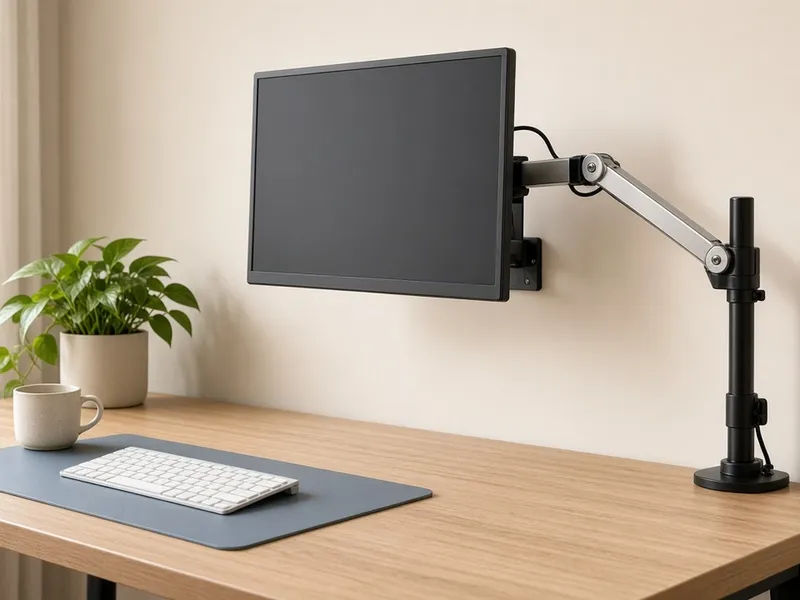
Best for: Freeing up desk space
From our Desk Goods guide.
View on Amazon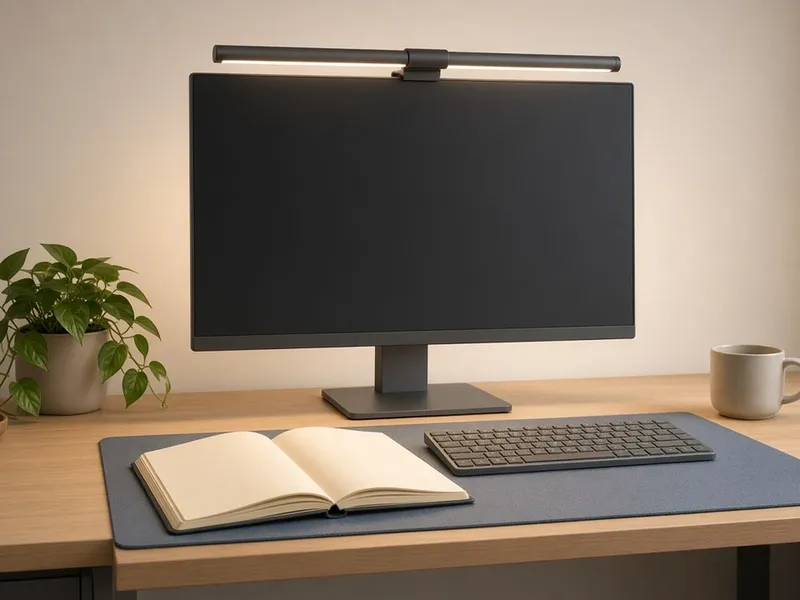
Best for: Lighting your desk without a lamp
From our Desk Goods guide.
View on Amazon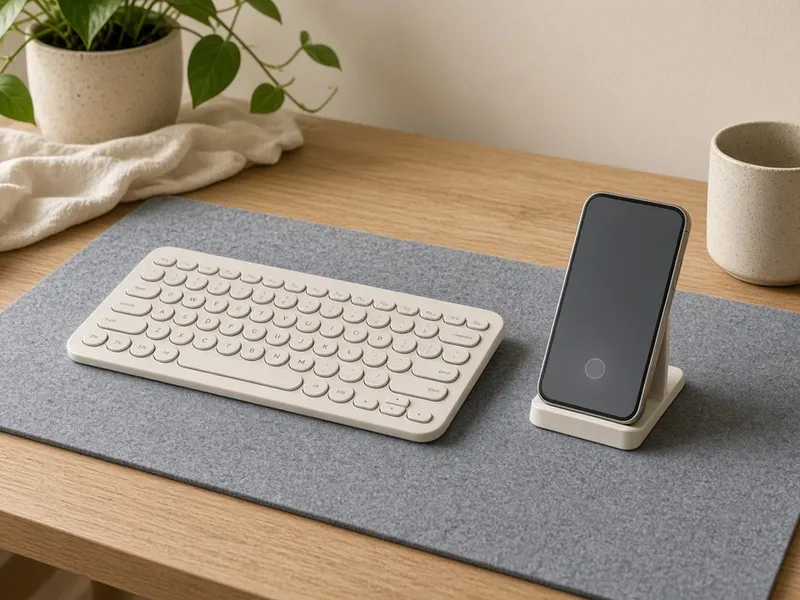
Best for: Tight budgets and small bags
From our Keyboards guide.
View on Amazon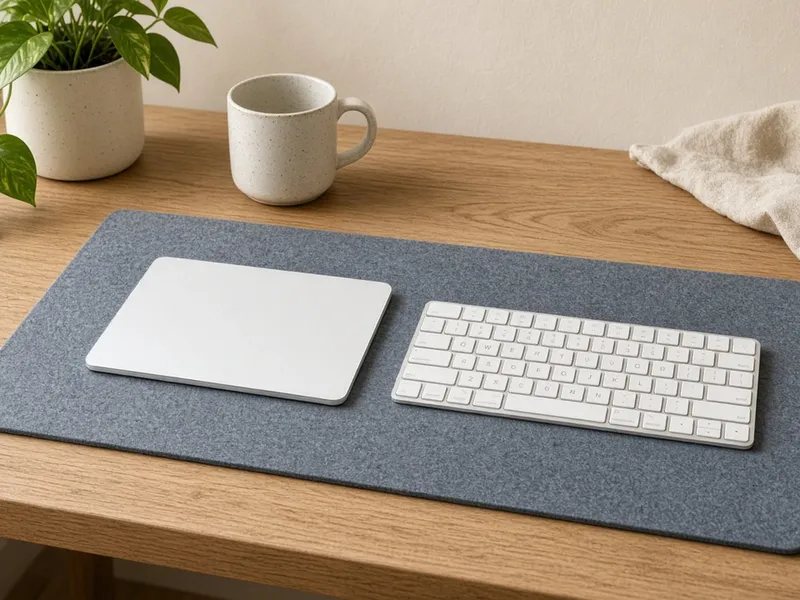
Best for: Mac users
From our Trackpads guide.
View on Amazon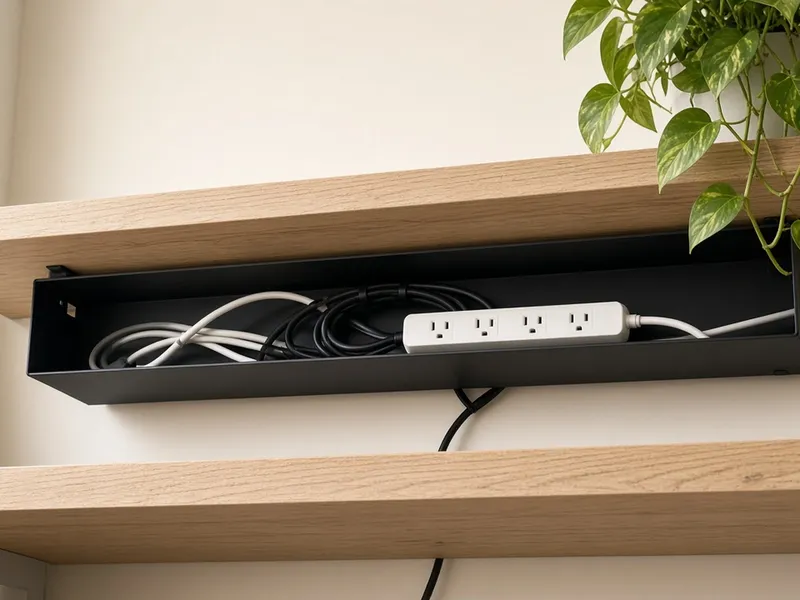
Best for: Hiding cables and power strips
From our Desk Goods guide.
View on AmazonProduct images on this page are illustrative scenes, not photos of the exact item. Check the Amazon listing for real product photos.
Every item here is a pick from a DeskDropFinds guide, and the facts come from those guides. We haven't tested this setup hands-on.
No. Each piece does one job, so start with whichever part of your desk bothers you most.
The Ergotron LX needs a monitor with VESA mounting, and KOORUI says its monitor takes a 100×100 VESA mount.
Swap the Apple trackpad, which is built for Macs, for the Contour Touch from our trackpad guide.
The VIVO DESK-AC06 screws into the underside of your desk, so skip it if you can't screw into yours.